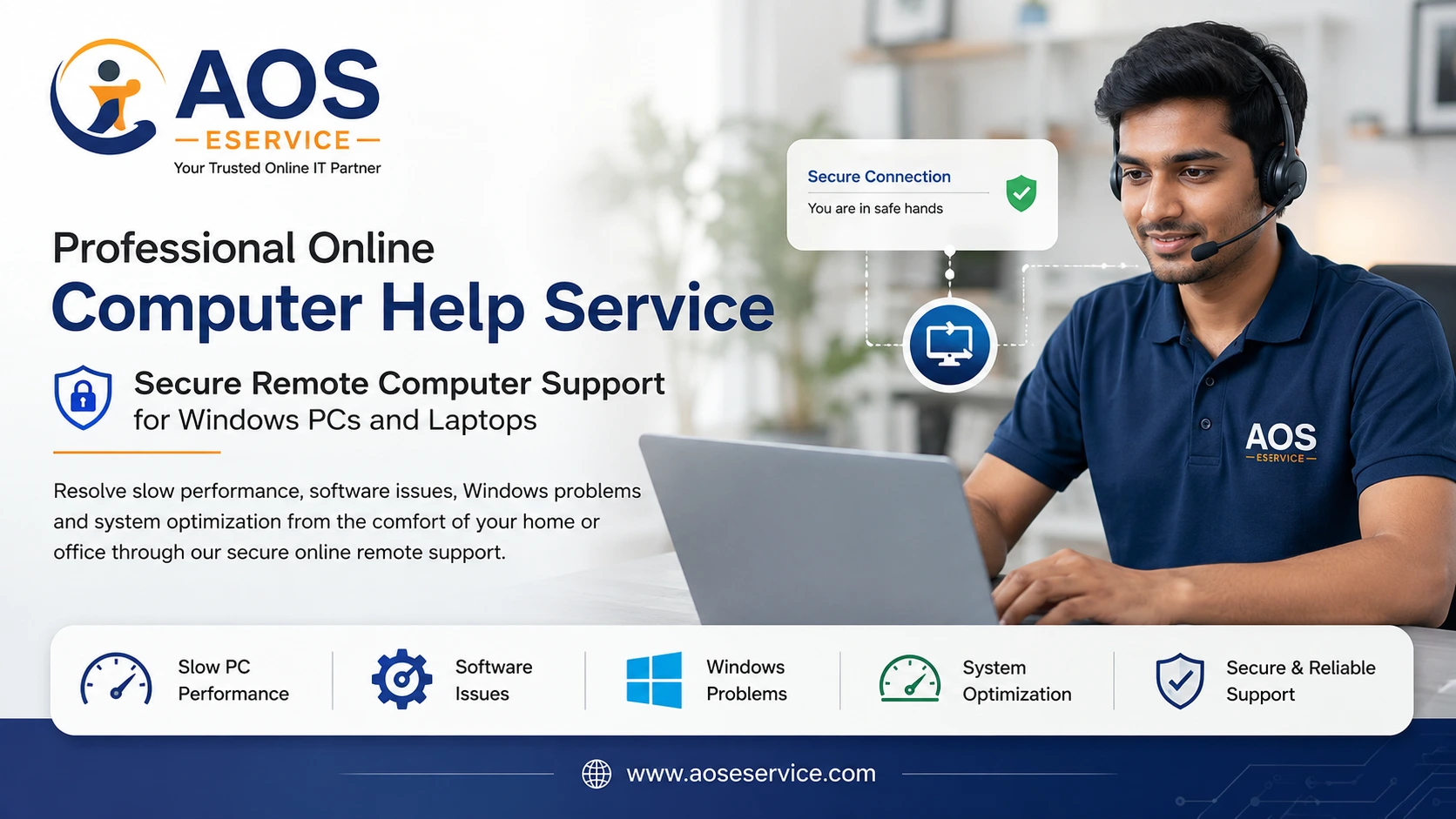
Professional Online Computer Help for Homes, Professionals & Small Businesses
Technology should help you work faster, not slow you down. When your laptop becomes sluggish, your desktop computer freezes, Windows refuses to boot, software stops responding, or your storage runs out of space, productivity suffers and valuable time is lost. AOS Computer Help provides professional online computer support designed to diagnose, troubleshoot, optimize and restore your computer remotely without requiring you to visit a service centre.
Our remote computer support service enables experienced engineers to securely connect to your Windows computer through trusted remote assistance software, analyse the system, identify performance bottlenecks and resolve software-related problems while you remain comfortably at your home or office. Whether you need help with a slow laptop, operating system issues, software installation, Windows optimisation, virus removal, storage management or general computer maintenance, we provide structured online assistance based on your actual requirements.
Unlike traditional repair shops where your computer may remain for several days, our appointment-based online service allows you to watch the entire process while our engineer works on your system remotely. Transparency, professionalism and technical accuracy remain the foundation of every support session.
Why Thousands of Computer Users Search for Online Computer Help
Modern computers are powerful, but they also become increasingly complex over time. Every installed application, Windows update, browser extension, temporary file, startup program and background process consumes valuable system resources. Eventually even a high-performance computer may begin showing symptoms such as slow startup, delayed application loading, excessive disk usage, frequent freezing or unexpected system errors.
Many users assume these symptoms indicate failing hardware. In reality, a significant percentage of computer performance issues originate from software configuration, operating system maintenance, storage management or conflicting applications. These are precisely the types of problems that can often be diagnosed and resolved efficiently through secure remote computer support.
AOS Computer Help focuses on software-level troubleshooting and optimisation. Our objective is to improve stability, recover performance and extend the usable life of your computer wherever technically possible.
What We Do
We specialise in providing remote technical assistance for Windows-based desktop computers and laptops. Every support session begins with understanding your problem, followed by systematic diagnosis and professional recommendations before any corrective work is carried out.
Rather than applying temporary fixes, we analyse the underlying cause of performance degradation so that recurring issues can be minimised. This engineering approach helps improve long-term system reliability instead of simply addressing visible symptoms.
- Online Computer Troubleshooting
- Remote Laptop Performance Optimisation
- Windows Installation & Reinstallation
- Windows Configuration & Updates
- Software Installation & Configuration
- Storage & Disk Space Management
- Startup & Boot Performance Optimisation
- Temporary File & Junk File Cleanup
- System Health Analysis
- General Windows Maintenance
Every service is performed only after discussing the required work with you. If a particular issue requires physical hardware replacement, we will explain the limitation honestly instead of attempting unsuitable repairs remotely.
Our Remote Support Philosophy
At AOS Computer Help, we believe remote support should never feel uncertain or risky. Before beginning any optimisation or repair work, we first evaluate whether your system is suitable for remote servicing. This preliminary assessment helps us determine the probable cause of the issue, estimate the time required and explain the available options clearly.
You remain in complete control throughout the session. Remote access is established only with your permission using recognised remote support software, and the connection exists only while the service appointment is active. Once the work is completed, the session ends and control returns entirely to you.
Our goal is not simply to repair computers. We aim to help users understand their systems better, reduce future problems and keep their computers operating efficiently for everyday work, education, communication and business.
Why Choose AOS Computer Help
Appointment Based Professional Service
Every support session is scheduled in advance, allowing sufficient time for proper diagnosis and systematic troubleshooting instead of rushed repairs.
Remote Assistance from Your Location
Receive technical support without transporting your computer. Our engineers connect securely while you remain at your home or workplace.
Transparent Technical Assessment
We explain the problem, discuss possible solutions and estimate the work involved before proceeding with optimisation or repair.
Focused on Software Solutions
Our expertise includes Windows troubleshooting, operating system optimisation, software configuration, storage management and performance improvement.
Professional Documentation
Where appropriate, we provide recommendations and observations so you understand the condition of your computer and the improvements carried out.
Privacy & Respect
Your personal files remain your property. We access only the areas necessary to complete the requested technical service.
Online Computer Help Designed for Real-World Problems
Every computer behaves differently depending on its hardware configuration, installed software, usage patterns and maintenance history. Because of this, there is rarely a single solution for every performance issue. At AOS Computer Help, we begin by understanding how your computer is used before recommending the most appropriate solution.
Whether you use your computer for office work, online classes, software development, accounting, graphic design, business management or everyday home computing, our objective is to improve stability, responsiveness and overall usability through professional remote assistance.
Instead of applying generic optimisation software that promises unrealistic results, we analyse the operating system, storage devices, startup behaviour, installed applications and system resources to identify the actual causes affecting performance.
Online Laptop Service
Laptops have become an essential part of everyday life. From students attending online classes to professionals working remotely and business owners managing daily operations, a slow or unstable laptop can interrupt important tasks and reduce productivity. Our Online Laptop Service is designed to restore software performance without requiring you to leave your home or office.
Many laptops gradually become slower because of accumulated temporary files, unnecessary startup applications, outdated software, fragmented storage, incomplete updates or operating system issues. These problems often develop over months or years and may not indicate hardware failure. Through secure remote access, we carefully evaluate your laptop and recommend suitable corrective measures.
Depending on the condition of your system, the service may include operating system optimisation, storage cleanup, software configuration, application removal, update management and general performance tuning. Every recommendation is discussed with you before implementation.
Our laptop optimisation service may include:
- Windows performance analysis
- Startup application optimisation
- Disk cleanup and storage recovery
- Removal of unnecessary software
- Temporary file management
- Windows update verification
- Driver assessment
- Operating system health checks
- Performance monitoring
- General software maintenance
Desktop Computer Support
Desktop computers continue to power businesses, educational institutions and home offices because of their reliability and upgrade flexibility. However, software-related issues can affect desktop computers just as easily as laptops. Slow boot times, software conflicts, Windows errors and storage problems often reduce overall efficiency.
Our remote desktop support service focuses on identifying software-level issues that impact system performance. Once connected securely through a remote assistance session, we analyse your computer and explain our findings before beginning any optimisation work.
If the issue involves hardware replacement or physical repair, we will clearly explain why remote servicing is not appropriate and recommend suitable alternatives. Honest technical advice is an important part of our service philosophy.
Windows Installation and Reinstallation Assistance
Over time, Windows installations may become unstable because of software conflicts, system corruption or prolonged usage. In some situations, reinstalling the operating system provides the most reliable path towards restoring system performance and stability.
When appropriate, we assist with Windows installation and reinstallation through scheduled remote sessions. Before proceeding, we discuss important considerations such as available storage, software compatibility, personal files and backup requirements.
A clean operating system installation often provides a fresh foundation for improved performance. However, reinstalling Windows should not be considered the first solution for every slow computer. Our engineers evaluate whether optimisation alone is sufficient before recommending a complete reinstallation.
Software Installation and Configuration
Installing software correctly involves more than simply running a setup file. Modern applications often require configuration, updates, activation, compatibility verification and integration with existing software environments.
We assist users in installing legitimate software applications, configuring settings, resolving installation errors and ensuring that applications operate correctly within the Windows environment. This reduces compatibility issues and improves overall system stability.
Whether you require office productivity software, utilities, communication tools or business applications, our remote support helps simplify the installation process while reducing configuration mistakes.
Storage Management and Disk Space Optimisation
Insufficient storage space is one of the most common reasons computers become slower over time. Large temporary files, outdated downloads, duplicate content, application caches and forgotten data gradually consume valuable storage capacity and affect system responsiveness.
Our storage management service helps organise available disk space more effectively. We analyse storage utilisation, identify unnecessary files, recommend suitable cleanup procedures and improve storage organisation wherever possible.
Proper storage management not only improves available disk capacity but also contributes to smoother Windows operation, faster updates and better long-term maintenance.
Typical storage optimisation includes:
- Disk usage analysis
- Temporary file cleanup
- Download folder organisation
- Recycle Bin management
- Application cache review
- Storage recommendations
- Windows cleanup utilities
- User-guided file organisation
Performance Optimisation for Slow Computers
A slow computer rarely has just one cause. Startup applications, outdated software, insufficient free storage, unnecessary background services and inefficient system settings can all contribute to reduced performance. Our optimisation process examines multiple aspects of the operating system rather than relying on a single automated utility.
Where practical, we improve startup efficiency, review resource utilisation, remove unnecessary software, optimise Windows settings and recommend maintenance practices that help maintain consistent performance over time.
Every optimisation is performed with stability in mind. Our objective is to improve responsiveness without introducing unnecessary changes that could affect the reliability of your system.
How Our Remote Computer Support Works
We have designed our online computer support process to be simple, transparent and convenient for individuals, professionals and small businesses. Instead of asking you to disconnect your computer and carry it to a repair shop, we securely connect to your computer through a scheduled remote support session while you remain comfortably at your own location.
Every service request begins with understanding the problem you are experiencing. Some issues can be resolved quickly, while others require detailed diagnosis. Rather than making assumptions, we carefully analyse the symptoms before recommending any corrective action.
Once we understand your requirements, we explain the probable cause of the issue, estimate the expected service duration and discuss the most suitable solution. Only after your approval do we begin the service session.
Our Online Service Process
- Contact us and describe the problem.
- Schedule a convenient appointment.
- Connect securely through approved remote access software.
- System diagnosis and performance evaluation.
- Discussion of findings and recommended solution.
- Professional optimisation or troubleshooting.
- Final verification and performance review.
This structured approach helps ensure that every support session is organised, transparent and focused on resolving the actual problem instead of applying temporary fixes.
Secure Remote Assistance You Can Trust
Many people are understandably concerned about allowing remote access to their computer. At AOS Computer Help, we recognise the importance of privacy and security. Every remote support session is initiated only with your knowledge and permission using reputable remote desktop software such as TeamViewer or AnyDesk.
You remain present throughout the support session and can observe the work being performed on your computer in real time. The remote connection exists only for the duration of the service appointment and can be terminated by you at any time.
We do not request unnecessary access to your personal information. Our engineers work only on the areas relevant to the requested service and respect the confidentiality of your files, documents and personal data.
Trust is an essential part of professional remote support, and we strive to maintain that trust through transparent communication and responsible technical practices.
Who Can Benefit from Our Online Computer Help?
Our services are suitable for a wide range of computer users who require reliable software support without visiting a repair centre. Whether you use your computer occasionally or depend on it every day for professional work, remote assistance can save both time and effort.
Home Users
Resolve slow performance, Windows issues, software installation problems and routine maintenance without leaving your home.
Students
Keep laptops running smoothly for online learning, assignments, examinations and educational software.
Working Professionals
Maintain reliable computers for remote work, office productivity, meetings, communication and business applications.
Small Businesses
Receive professional assistance for office computers, software configuration and performance optimisation with minimal disruption to daily operations.
Why Remote Computer Support Is an Efficient Choice
For software-related problems, remote support offers several practical advantages over conventional service methods. There is no need to disconnect cables, transport heavy desktop computers or remain without your computer for several days while waiting for repairs.
Because the engineer works directly on your system while you observe the process, communication becomes easier and the overall service experience is more transparent. Questions can be answered immediately, recommendations can be explained clearly and improvements can be verified before the session concludes.
Remote support also allows us to assist customers located in different cities without geographical limitations, provided that the computer has a stable internet connection and the issue is suitable for online servicing.
When Remote Support May Not Be Suitable
Although remote assistance is highly effective for software-related issues, it cannot solve every computer problem. Hardware failures require physical inspection and replacement of defective components. Examples include damaged displays, faulty keyboards, defective hard drives, power supply failures, motherboard faults and other physical hardware defects.
If our preliminary diagnosis indicates that the problem is hardware-related, we will explain the situation honestly and advise you accordingly. Providing accurate technical guidance is more valuable than attempting unsuitable repairs.
Our objective is to recommend the most appropriate solution for your specific situation, whether that involves remote software support or physical hardware servicing.
Our Commitment to Quality Technical Support
Technology continues to evolve rapidly, and every Windows update, software release and hardware generation introduces new challenges. Our approach to technical support emphasises continuous learning, careful diagnosis and practical problem solving rather than relying solely on automated repair tools.
Every computer has its own history, configuration and usage pattern. Instead of applying identical solutions to every system, we analyse each case individually and recommend solutions based on technical evidence, system condition and user requirements.
Our goal is to provide dependable online computer assistance that helps users work more efficiently, reduces recurring software issues and extends the useful life of their computers wherever possible.
Why Choose AOS Computer Help?
Choosing a technical support provider is not simply about fixing today's problem. It is about finding professionals who understand your requirements, communicate honestly and recommend solutions that are appropriate for your computer rather than unnecessary services.
At AOS Computer Help, we combine structured troubleshooting, secure remote assistance and customer-focused communication to deliver reliable online computer support. Every service session is handled professionally, every recommendation is explained clearly and every customer is treated with respect.
Whether you require assistance with a slow laptop, Windows troubleshooting, software installation, storage optimisation or general computer maintenance, we are committed to providing practical solutions that improve the reliability and performance of your system.
Frequently Asked Questions
Can you repair my computer completely online?
Yes, provided the problem is software related. Many issues involving Windows, application errors, slow performance, storage management, updates and system optimisation can be resolved remotely. Physical hardware repairs require an on-site technician.
Do I need to install any software?
Yes. To establish a secure remote connection, you will be asked to run a trusted remote support application such as TeamViewer or AnyDesk. We will guide you through the entire process.
Is remote computer support secure?
Yes. The remote session is created only with your permission, and you remain in control throughout the service. The connection ends immediately after the appointment is completed.
Can you make an old laptop faster?
In many cases, yes. Software optimisation, startup improvements, storage cleanup and operating system maintenance often provide noticeable performance improvements. However, extremely old hardware may have physical limitations that software alone cannot overcome.
Do you provide Windows installation services?
Yes. We assist with Windows installation and reinstallation where appropriate, ensuring that the process is suitable for your computer and your requirements.
Can you install software remotely?
Yes. We help install and configure genuine software applications, resolve installation issues and verify that applications function correctly after installation.
Will my personal files be safe?
Protecting your privacy is important to us. We work only on the areas required to perform the requested service. Whenever possible, we recommend backing up important files before major system changes.
How long does an online support session usually take?
The duration depends on the nature of the problem. Minor configuration issues may take less than an hour, while operating system optimisation or Windows reinstallation may require additional time. We provide an estimated duration after the initial assessment.
Can you help business users?
Yes. We provide remote technical assistance for home offices, freelancers, consultants, professionals and small businesses requiring software-related computer support.
What if my problem cannot be solved remotely?
If our diagnosis indicates a hardware-related issue or another limitation that cannot be addressed online, we will explain the reason clearly and recommend the most appropriate next step.
Our Commitment to Professional Online Computer Support
At AOS Computer Help, we believe that reliable technical support is built on technical expertise, honest communication and respect for every customer. Our objective is not simply to resolve today's issue but to improve the long-term reliability and performance of your computer wherever possible.
Every support request is approached methodically. We listen carefully to your concerns, analyse the system, identify the underlying cause of software-related problems and recommend practical solutions that are appropriate for your computer and your usage requirements.
Whether you are working from home, managing a small business, studying online or simply using your computer for everyday activities, dependable technology is essential. Our remote support services are designed to help you regain confidence in your computer without unnecessary inconvenience.
Ready to Get Your Computer Running Smoothly Again?
If your laptop or desktop computer has become slow, Windows is behaving unexpectedly, applications are causing problems or you simply want your computer to perform better, AOS Computer Help is ready to assist you through professional remote support.
Book an appointment, describe the issue you are experiencing and allow our engineers to evaluate your system. We will explain the available options, answer your questions and recommend the most suitable solution based on your computer's condition.
Professional online computer support can often save valuable time while restoring the performance, stability and usability of your Windows computer. We look forward to helping you achieve a faster, cleaner and more reliable computing experience.
Need Professional Remote Computer Assistance?
Schedule an appointment with AOS Computer Help and receive expert assistance for Windows troubleshooting, laptop optimisation, software installation, storage management and general computer maintenance—all delivered securely through remote support.
Your productivity matters. Let us help you keep your computer performing at its best.