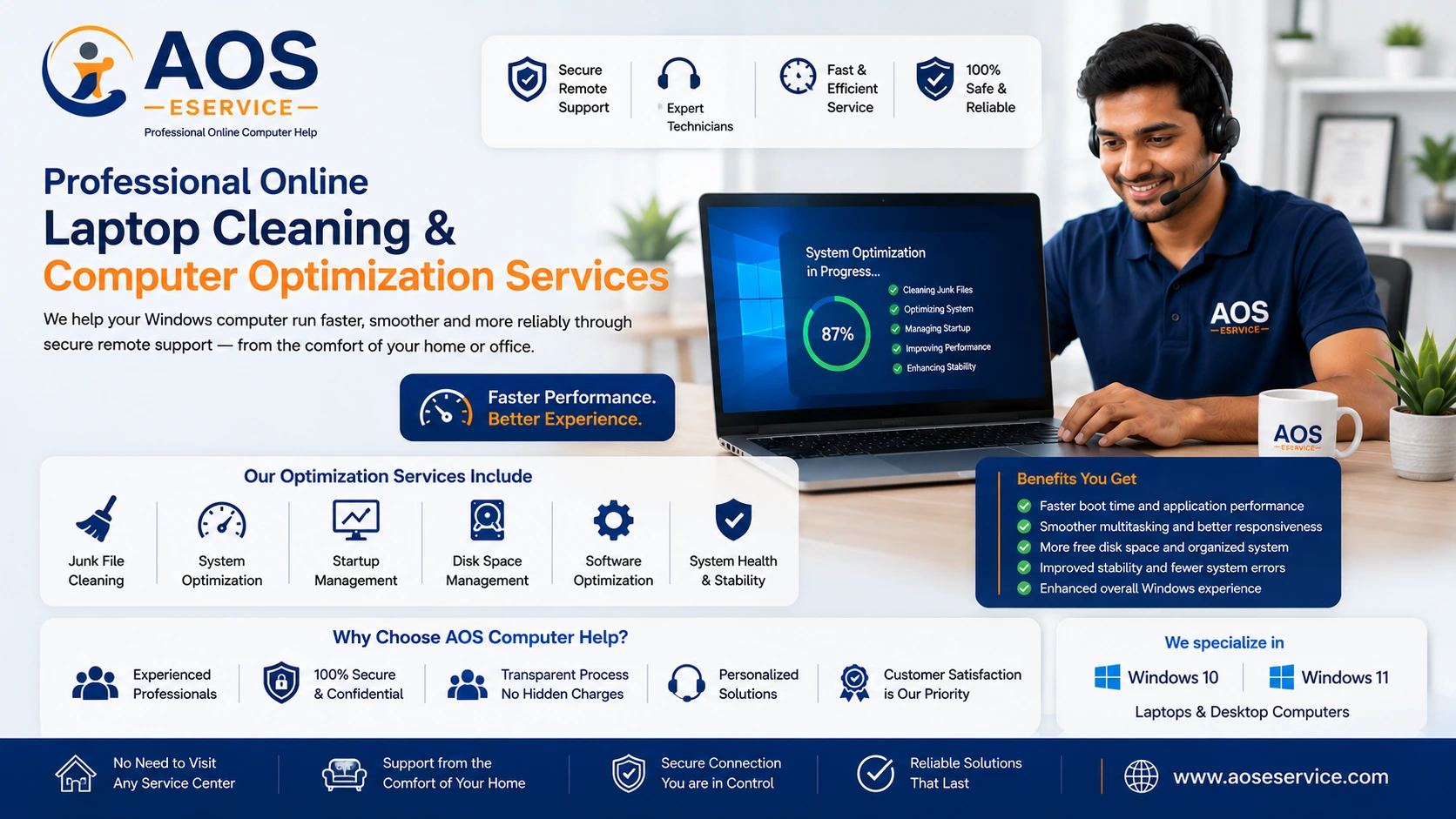
Professional Online Laptop Cleaning & Computer Optimization Services
Modern computers are expected to perform a wide variety of tasks every day, from office work and online learning to creative projects, business operations and entertainment. Over time, however, Windows computers often become slower due to software clutter, unnecessary background applications, fragmented storage, outdated configurations and accumulated temporary files. Our online laptop cleaning and PC optimization services are designed to restore efficiency by identifying and resolving software-related performance issues through secure remote assistance.
At AOS Computer Help, we specialize in providing professional remote computer support for Windows-based laptops and desktop computers. Instead of asking customers to transport their devices to a repair centre, our engineers analyse the system remotely, identify the causes of poor performance and recommend practical solutions based on the computer's condition. This approach allows many software-related issues to be resolved conveniently while you remain at your own location.
Our objective is not merely to make a computer appear faster for a short period. We focus on improving the overall health, stability and efficiency of the operating system by removing unnecessary software, correcting improper configurations, managing storage effectively and optimizing Windows for better long-term performance.
What Is Online Laptop Cleaning?
Online laptop cleaning is a professional software optimization service performed remotely through a secure internet connection. Unlike physical cleaning, which involves removing dust from internal components, online cleaning concentrates on the operating system, installed software and overall system configuration. It is an effective method for improving the responsiveness of Windows computers without requiring physical access to the device.
Using trusted remote support software, our engineers connect to your computer only after you grant permission. Once connected, we carefully examine the operating system, startup configuration, storage usage, software installations and system health. This allows us to determine which software-related factors are reducing performance and recommend appropriate corrective actions.
Many users believe that a slow computer automatically requires expensive hardware upgrades. While hardware limitations certainly exist, software optimization alone can often produce significant improvements in computers that have gradually become slower over months or years of everyday use.
Why Do Computers Become Slow Over Time?
A newly installed Windows computer generally performs well because the operating system contains only essential software and background services. As time passes, additional applications, browser extensions, automatic startup programs and temporary files accumulate. These changes gradually consume system resources and increase the amount of work Windows must perform during startup and everyday operation.
Common reasons for declining computer performance include:
- Large numbers of unnecessary startup applications.
- Temporary files occupying valuable storage space.
- Applications running continuously in the background.
- Outdated software components.
- Poor storage management.
- Insufficient free disk space.
- Conflicting software installations.
- Improper Windows configuration.
- Browser extensions that consume memory.
- Long-term accumulation of unnecessary files.
While these issues often develop gradually, their combined effect can make everyday computing frustrating. Programs may open slowly, Windows may require several minutes to start, web browsers may become unresponsive and file operations may take considerably longer than expected.
Our optimization service focuses on identifying these contributing factors individually rather than applying generic automated cleanup tools that may overlook the actual causes of poor performance.
Software Cleaning Is Different from Physical Cleaning
Many people use the term laptop cleaning without distinguishing between physical maintenance and software optimization. Understanding the difference helps determine whether remote assistance is suitable for your computer.
Software Cleaning
Software cleaning improves the operating system by removing unnecessary files, optimizing Windows settings, uninstalling unwanted applications, improving storage management, reviewing startup programs and ensuring that software components work efficiently together. These tasks can often be completed remotely without opening the computer.
Physical Cleaning
Physical cleaning involves opening the laptop or desktop computer to remove accumulated dust, clean cooling fans, replace thermal compounds or repair damaged hardware components. These procedures require direct physical access and cannot be performed through remote support.
If our initial assessment suggests that your computer suffers from hardware-related problems such as overheating, failing storage devices or damaged internal components, we will explain these limitations honestly and recommend appropriate next steps instead of attempting ineffective software-only solutions.
Our Remote Computer Optimization Process
Every computer behaves differently because software installations, usage patterns and maintenance history vary from one user to another. For this reason, we do not apply identical procedures to every system. Instead, we begin with a structured assessment before recommending any optimization work.
Our typical workflow includes:
- Initial discussion regarding the reported problems.
- Secure remote connection established with your permission.
- General inspection of Windows health and performance.
- Identification of software-related bottlenecks.
- Evaluation of storage utilisation.
- Review of installed applications.
- Assessment of startup programs.
- Performance optimization based on the findings.
- Verification that Windows operates correctly after optimisation.
- Recommendations for maintaining long-term system performance.
This structured approach allows us to focus on the underlying causes of poor performance rather than simply treating visible symptoms. By understanding how your computer is being used, we can often recommend practical improvements that continue to benefit your system after the service session has ended.
Windows Performance Optimization for Better Everyday Computing
A computer that performs slowly can interrupt your daily routine and reduce productivity. Whether you use your laptop for professional work, online classes, business management or personal communication, delays caused by software inefficiencies can become frustrating. Our Windows performance optimization service focuses on improving the responsiveness of your operating system by carefully reviewing the software environment rather than relying on automated one-click utilities.
Windows continuously manages hundreds of background services, scheduled tasks and software components. As additional applications are installed over time, these processes increase and consume valuable processor time, memory and storage resources. By reviewing these components individually, we help your computer operate more efficiently while maintaining system stability.
Rather than making unnecessary changes, our engineers evaluate each system independently. Every recommendation is based on the actual condition of your computer and the way you use it. This personalized approach helps ensure that performance improvements remain effective long after the service session has ended.
Startup Program Optimization
One of the most common reasons for a slow computer startup is the number of applications that automatically launch when Windows begins. Many software programs add themselves to the startup sequence without the user's knowledge. Although each application may consume only a small amount of memory, their combined effect can significantly delay startup and reduce overall performance.
During our optimization process, we review startup programs and identify applications that are unnecessary for automatic execution. Where appropriate, these programs may be disabled from startup while remaining fully available whenever you choose to use them.
Reducing unnecessary startup applications often provides noticeable improvements in boot time and allows Windows to become responsive much sooner after login.
Storage Cleanup and Disk Space Management
Insufficient storage space is another major factor affecting Windows performance. Temporary files, outdated downloads, browser cache, installation packages and duplicate files can gradually occupy a significant portion of your storage device. When Windows has very little free space available, system operations may become slower and software updates can also encounter problems.
Our engineers examine the storage usage of your computer and identify unnecessary files that may safely be removed. We also help organize available storage more efficiently so that important files remain accessible while unnecessary data no longer consumes valuable disk space.
Proper storage management contributes not only to improved performance but also to better long-term system maintenance.
Removing Unnecessary Software
Many computers contain software that is no longer required. Trial applications, unused utilities, outdated programs and duplicate software installations may continue running background services even though they are rarely opened by the user.
Removing unnecessary applications can reduce resource consumption, simplify system management and minimize software conflicts. Before uninstalling any application, we explain its purpose and discuss whether it is still needed for your work or personal use. This ensures that important software remains available while unnecessary applications are safely removed.
A cleaner software environment generally results in a more stable and responsive Windows experience.
Windows Maintenance and Health Checks
Regular maintenance helps Windows continue operating efficiently throughout its lifetime. Our remote service includes a general review of system health, software configuration and operating system status. Where appropriate, we examine important system settings that influence performance, reliability and day-to-day usability.
Routine maintenance may include reviewing Windows updates, checking software compatibility, confirming that essential security features remain active and identifying configuration issues that could affect normal operation.
Because every computer is different, our maintenance recommendations are based on the actual condition of your device rather than following a fixed checklist for every customer.
Operating System Installation and Reinstallation
In some situations, software optimization alone may not provide the desired improvement. Systems that have experienced years of software accumulation, repeated installation failures or significant operating system corruption may benefit from a clean Windows installation.
When appropriate, our engineers can assist with operating system installation or reinstallation through remote guidance and support. Before beginning such work, we discuss the process with you, explain the expected outcome and advise you regarding the importance of backing up personal files.
A clean operating system installation often provides an opportunity to remove long-standing software issues and establish a fresh, organized computing environment.
Support for Both Laptops and Desktop PCs
Our remote services are suitable for both Windows laptops and desktop computers that meet the basic requirements for remote assistance. Whether you use a personal notebook, a home desktop or an office workstation, many software-related issues can be diagnosed and resolved without requiring you to transport the device to another location.
Although the internal hardware of laptops and desktop computers differs, Windows performance optimization follows many of the same principles. Software maintenance, storage management, startup optimization and application troubleshooting remain valuable regardless of the type of computer you use.
Our goal is to help every customer obtain the best possible performance from their existing computer whenever software optimization is an appropriate solution.
Support for Home Users, Students and Small Businesses
Every computer user has different requirements. Students require reliable systems for online learning, professionals depend on stable computers for daily work and small businesses need dependable systems to support productivity. Our services are designed to accommodate these different usage scenarios through practical software optimization and remote technical assistance.
For home users, we focus on improving overall usability and reducing common frustrations such as slow startup, delayed application launches and unnecessary software clutter. For business users, we help maintain efficient workstations that support everyday office tasks while minimizing software-related interruptions.
Students and remote workers also benefit from a well-maintained computer that performs consistently during online classes, virtual meetings, document preparation and collaborative work.
Preventive Maintenance Is Better Than Emergency Repairs
Many users seek technical assistance only after their computer becomes extremely slow or begins displaying frequent errors. While these problems can often be addressed, preventive maintenance is generally more effective than waiting until performance deteriorates significantly.
Periodic software maintenance helps identify developing issues before they become major problems. By keeping Windows organized, maintaining adequate free storage and reviewing installed applications regularly, many common performance issues can be minimized or avoided altogether.
Our service philosophy emphasizes long-term system health rather than temporary fixes. We believe that an informed user combined with regular software maintenance provides the best foundation for reliable computer performance.
Requirements for Online Laptop Cleaning Services
Remote computer support is a convenient solution for many software-related problems, but it also requires certain basic conditions to ensure a successful service session. Before scheduling an online optimization service, customers should verify that their computer and internet connection meet these requirements.
Our engineers can only work on a computer after you explicitly grant remote access permission. You remain in complete control throughout the session and may observe every action performed on your screen. Transparency and customer confidence are important aspects of our service process.
The following conditions help ensure that remote support proceeds efficiently:
- The laptop or desktop should power on normally.
- The display should be functioning correctly.
- A stable internet connection should be available.
- You should have permission to access your Windows account.
- Important personal files should be backed up before major operating system work.
- The remote access application should be installed when requested.
Meeting these basic requirements allows our engineers to concentrate on diagnosing and resolving software-related issues rather than spending unnecessary time establishing connectivity.
Secure Remote Assistance You Can Trust
Security is naturally one of the first concerns customers have when allowing remote access to their computer. We understand this responsibility and therefore operate only after receiving your explicit permission. The remote session begins only when you authorize the connection and remains active only while you choose to keep it active.
During the service session you can observe everything taking place on your screen in real time. Our engineers explain the optimization process whenever appropriate and answer questions regarding the work being performed. Nothing happens without your knowledge.
Once the required service has been completed, the remote session ends and access is disconnected. If a future service is required, a new authorization is necessary before another connection can be established.
Problems That Can Often Be Solved Online
Many Windows software issues can be diagnosed and resolved without physically transporting the computer to a service centre. Although every system is different, remote assistance is commonly suitable for issues such as:
- Slow Windows startup.
- Poor overall system performance.
- Insufficient disk space.
- Unwanted software removal.
- Windows configuration issues.
- Operating system optimization.
- Application installation assistance.
- Software compatibility problems.
- Printer and peripheral software configuration.
- General Windows maintenance.
- Performance tuning for everyday computing.
- Guidance for software updates.
Following an initial assessment, we discuss the available options and recommend the most appropriate solution for your particular situation.
Situations That May Require Physical Service
While remote support is highly effective for software-related issues, it cannot resolve every computer problem. Certain hardware failures require physical inspection or replacement of components.
Examples include:
- Broken laptop screens.
- Faulty keyboards or touchpads.
- Damaged charging ports.
- Battery replacement.
- Motherboard failures.
- Power supply faults.
- Physical hard drive replacement.
- Memory module replacement.
- Cooling fan replacement.
- Liquid damage.
If our engineers determine that a hardware fault is preventing successful remote service, we will explain the situation honestly rather than attempting unnecessary software modifications.
Why Choose AOS Computer Help?
Choosing technical support is not simply about finding someone who can operate a computer. It is about working with professionals who understand Windows systems, communicate clearly and recommend practical solutions based on genuine technical assessment.
At AOS Computer Help, our objective is to deliver professional remote assistance that emphasizes reliability, transparency and long-term system performance. Instead of applying generic optimization tools to every computer, we evaluate each device individually and recommend improvements that are appropriate for its configuration and intended use.
Customers appreciate our methodical approach because it focuses on solving underlying software issues rather than applying temporary fixes. Every computer receives attention based on its actual condition, allowing us to provide recommendations that are both realistic and technically appropriate.
Benefits of Professional System Optimization
A properly maintained Windows computer provides a noticeably better user experience. Although every system has different hardware capabilities, software optimization can often improve responsiveness, reduce unnecessary delays and make everyday computing more enjoyable.
Potential benefits include:
- Improved startup performance.
- Better application responsiveness.
- More efficient storage usage.
- Reduced software clutter.
- Improved Windows stability.
- Better organization of installed applications.
- More reliable everyday operation.
- Greater productivity for work and study.
- Longer useful lifespan for existing hardware.
- Improved overall user experience.
Because every computer differs in age, hardware specification and software condition, actual results vary. Our goal is to achieve the most effective improvement possible while maintaining the stability and reliability of your operating system.
Supporting Your Computer Beyond a Single Service Session
Our relationship with customers does not end when the optimization session is complete. We also provide practical guidance that helps users maintain their computers more effectively in the future. Simple maintenance habits, responsible software installation and regular storage management can significantly reduce the likelihood of recurring performance issues.
By understanding how Windows operates and following sensible maintenance practices, many users are able to enjoy smoother system performance for much longer periods. We believe that educating customers is just as valuable as resolving the immediate issue.
Whether you require assistance with a slow laptop, software optimization, Windows maintenance or general computer performance improvements, AOS Computer Help is committed to delivering dependable remote technical support with professionalism, transparency and attention to detail.
Frequently Asked Questions About Our Online Laptop Cleaning Service
Can a slow laptop really be improved through remote support?
Yes. Many performance problems are caused by software-related issues rather than hardware failures. Unnecessary startup programs, excessive temporary files, storage mismanagement, outdated software and incorrect Windows configurations can all affect performance. After analysing your computer remotely, our engineers recommend appropriate optimisation procedures based on its condition.
Do I need to bring my laptop to your office?
No. Our services are designed to be delivered remotely. As long as your computer powers on, displays the Windows desktop and has a stable internet connection, many software-related services can be completed without transporting your device.
Will I be able to see what your engineer is doing?
Yes. You remain in front of your computer throughout the remote session and can observe every action performed on your screen. We encourage customers to ask questions so they understand the optimisation process.
Which remote access software do you use?
Depending on the circumstances, we may recommend widely used remote support applications such as TeamViewer or AnyDesk. We will always guide you through the connection process before beginning any work.
Can you repair hardware problems remotely?
No. Hardware faults such as damaged displays, faulty keyboards, defective batteries, motherboard failures or broken charging ports require physical inspection and cannot be repaired through remote assistance.
Is my personal information safe?
Your privacy is important to us. Remote access begins only after you grant permission and remains active only while you choose to keep the session open. We do not access personal files unnecessarily, and every action is performed transparently with your knowledge.
How long does an online optimisation service usually take?
The required time depends on the condition of your computer and the complexity of the work involved. After the initial assessment, we provide an approximate estimate before proceeding with the service.
Do you support both laptops and desktop computers?
Yes. We provide software optimisation and Windows support for both laptops and desktop PCs that are suitable for remote service.
Can you reinstall Windows remotely?
In many situations, yes. If a clean installation is the most appropriate solution, we explain the process, discuss backup requirements and guide you through each stage of the installation.
Will my computer become as fast as a brand-new system?
Software optimisation can improve responsiveness considerably when software-related issues are responsible for poor performance. However, the final performance also depends on the computer's hardware specifications, age and overall condition.
Keep Your Computer Performing at Its Best
A well-maintained computer is more productive, more reliable and considerably more enjoyable to use. Regular software maintenance helps prevent many common Windows problems before they become major disruptions. Whether your laptop has gradually become slower, your desktop takes too long to start or your storage is becoming difficult to manage, professional optimisation can often restore efficiency without the expense of replacing your computer.
Our online laptop cleaning and PC optimisation services are designed to deliver practical solutions that improve the everyday computing experience. Rather than relying on automated utilities, we carefully analyse your Windows installation, identify the causes of reduced performance and recommend improvements based on the actual condition of your system.
Every computer is unique, and every customer deserves personalised technical assistance. Our objective is to provide dependable remote support, clear communication and professional service that helps you continue using your existing computer with greater confidence and improved performance.
Schedule Your Online Computer Optimisation Service
If your Windows laptop or desktop computer has become slow, frequently hangs, struggles with limited storage or requires professional software optimisation, AOS Computer Help is ready to assist you through secure remote support. We evaluate every system individually, explain our findings in clear language and recommend only those services that are genuinely appropriate for your computer.
Contact us today to discuss your computer's condition, arrange a remote assessment and discover how professional online optimisation can improve your system's performance and reliability.